



Renting Gaming PCs with RTX GPUs for Tournaments & LAN Events
November 25, 2025
Desktop on Rent for Coaching Centers: Best Bulk Rental Solutions in India
December 6, 2025
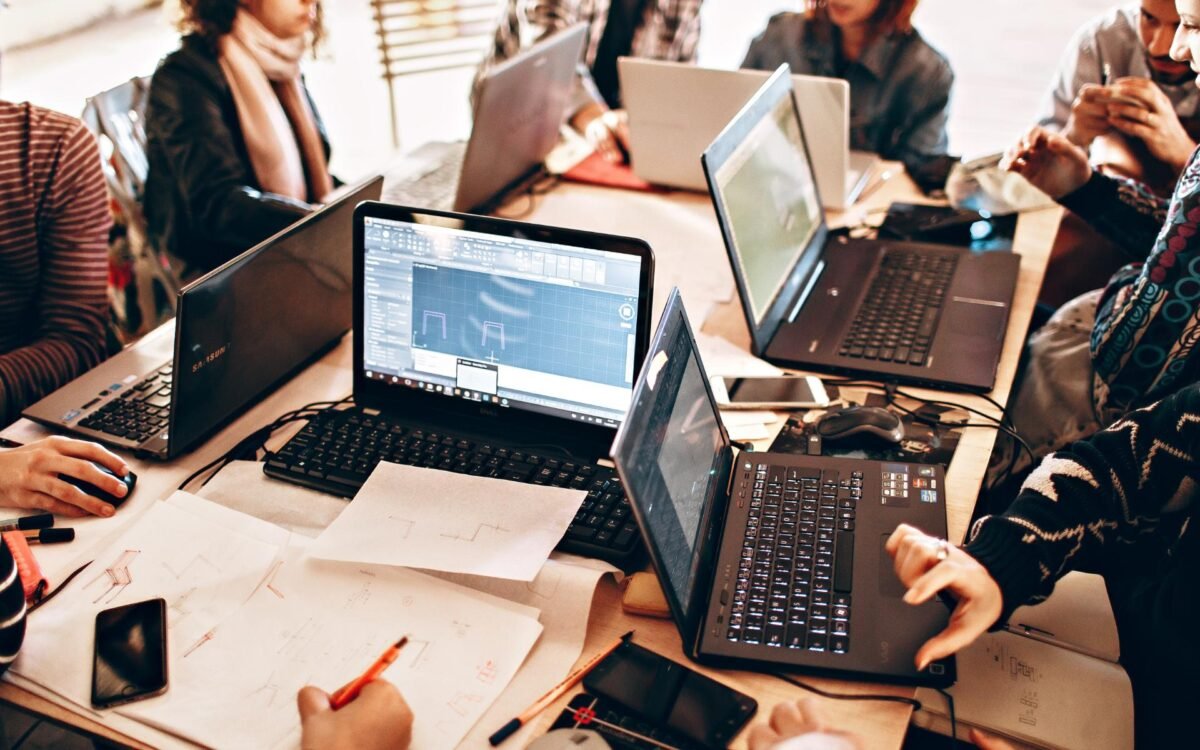
Renting a laptop has become one of the smartest and most budget-friendly decisions for businesses, students, and professionals. Whether it’s for work-from-home, travel, online exams, or gaming — laptop rental services help users get high-performance machines without a heavy investment.
However, many people end up renting the wrong device due to confusion or lack of information. The result? Slow performance, compatibility issues, hardware trouble, or paying extra for features you don’t even need.
In this guide, we will discuss the top mistakes to avoid when renting a laptop — so you always make the best choice based on performance, price, and purpose.
1️⃣ Not Knowing Your Exact Requirements
One of the biggest mistakes is renting a laptop without understanding what tasks it needs to handle.
✔ Light Use → Browsing, MS Office, online classes
✔ Medium Use → Designing, coding, data processing
✔ Heavy Use → Gaming, 3D modeling, video editing
If you pick a low-spec laptop for high-performance tasks, the device will lag, crash, or freeze during deadlines — causing delays and frustration.
Tip: Write down key software and tasks before selecting a system.
2️⃣ Ignoring CPU and Generation Requirements
Many users ask for “any i5 laptop” — but forget that performance also depends on the processor generation.
Example:
Intel i5 12th Gen > i7 7th Gen
(Newer generation = more power + better energy efficiency)
For corporate tasks → i5 10th Gen or higher
For coding or editing → i7/Ryzen 7 or higher
Always check the generation, not just CPU name.
3️⃣ Choosing Low RAM and Expecting Smooth Multitasking
Entry-level laptops come with 4GB RAM, which often slows down when multiple apps run simultaneously.
Recommended RAM:
- 8GB → Office work, browsing, online classes
- 16GB → Coding, graphics, editing, virtualization
- 32GB → High-end production workloads
Tip: Always choose RAM based on workload expectations.
4️⃣ Overlooking the Importance of SSD Storage
A common mistake: Renting laptops with HDD storage to save money.
But HDD laptops boot slowly, apps take too much time to open, and file transfers feel outdated.
✔ SSD boosts:
- Speed
- App performance
- Battery backup
- Overall user experience
Go for SSD laptops (at least 256GB) for fast performance.
5️⃣ Not Checking GPU Requirements for Design & Gaming
If you’re into:
- Graphic design
- Machine learning
- 3D rendering
- Video editing
- Gaming
Then a laptop with dedicated GPU (NVIDIA/AMD) is a must.
Without it, software like Blender, Premiere Pro, and AutoCAD will struggle to run efficiently.
Tip: For gaming or design → Choose RTX/GTX or equivalent GPU.
6️⃣ Skipping Battery Health Check for Travel or Field Work
If your work involves travel, events, or field operations — poor battery health can become a serious issue.
Always ensure:
✔ Good battery backup (minimum 4–6 hours)
✔ Fast-charging support
✔ Replacement warranty if battery drains abnormally
A reliable vendor like Rental Plaza ensures properly tested systems.
7️⃣ Not Asking About Delivery & Replacement Support
Time-sensitive tasks suffer if:
- Delivery is late
- Laptop stops working
- No quick replacement support
Always ask these questions:
- Do you offer same-day delivery?
- What if the laptop stops working?
- Will you provide remote support?
Good rental companies provide:
✔ On-site support
✔ Replacement within hours
✔ Pan-India delivery (like Rental Plaza)
8️⃣ Forgetting About Warranty on Software & Security
Some renters ignore software licensing and security features and end up with:
- Expired antivirus
- Unlicensed OS
- Compatibility problems
Always ensure your laptop comes with:
- Genuine Windows or macOS
- Updated antivirus
- Pre-installed required software
This helps businesses maintain compliance and data security.
9️⃣ Not Considering External Add-ons & Accessories
Sometimes users forget to check what’s included in the package:
- Keyboard + Mouse
- Webcams for video interviews
- Extra chargers for offices
- Laptop bag for travel
- Docking stations for multi-monitor setup
Ask before renting so you don’t face last-minute surprises.
🔟 Ignoring Rental Duration & Pricing Transparency
Some vendors charge extra for:
- Security deposits
- Late return fees
- Accessories
- Delivery
To avoid hidden charges:
✔ Confirm pricing for weekly/monthly plans
✔ Ask for a transparent contract in writing
✔ Compare offers before finalizing
It saves money and prevents billing misunderstandings.
Why Renting from Rental Plaza Is a Smart & Safe Choice
If you’re renting from Rental Plaza, you automatically avoid these issues because:
✔ We help you choose the perfect laptop
Based on your profession: students, corporate teams, designers, gamers, etc.
✔ Latest technologies available
i3 to i9 CPUs, M1/M2 MacBooks, RTX-powered laptops & more
✔ PAN India Delivery + Quick Replacement Support
✔ Flexible Short-term & Long-term Rentals
Whether you need 1 laptop or 500 for bulk onboarding, we’ve got you covered.
👉 Checkout: Laptop Rentals for Offices, Exams, Events & Business Use — Across India
Conclusion
Renting a laptop is a great way to stay productive without spending a fortune — but choosing the wrong model can lead to performance issues and increased costs.
To ensure the best rental experience:
- Identify your purpose
- Check specifications carefully
- Confirm service support and pricing transparency
By avoiding the mistakes shared in this blog, you can confidently rent the right laptop for office, personal, or academic use — and enjoy a smooth, powerful performance experience every day.


